 APPLICATION SCREENSHOT
Film production
AI Movie Studio
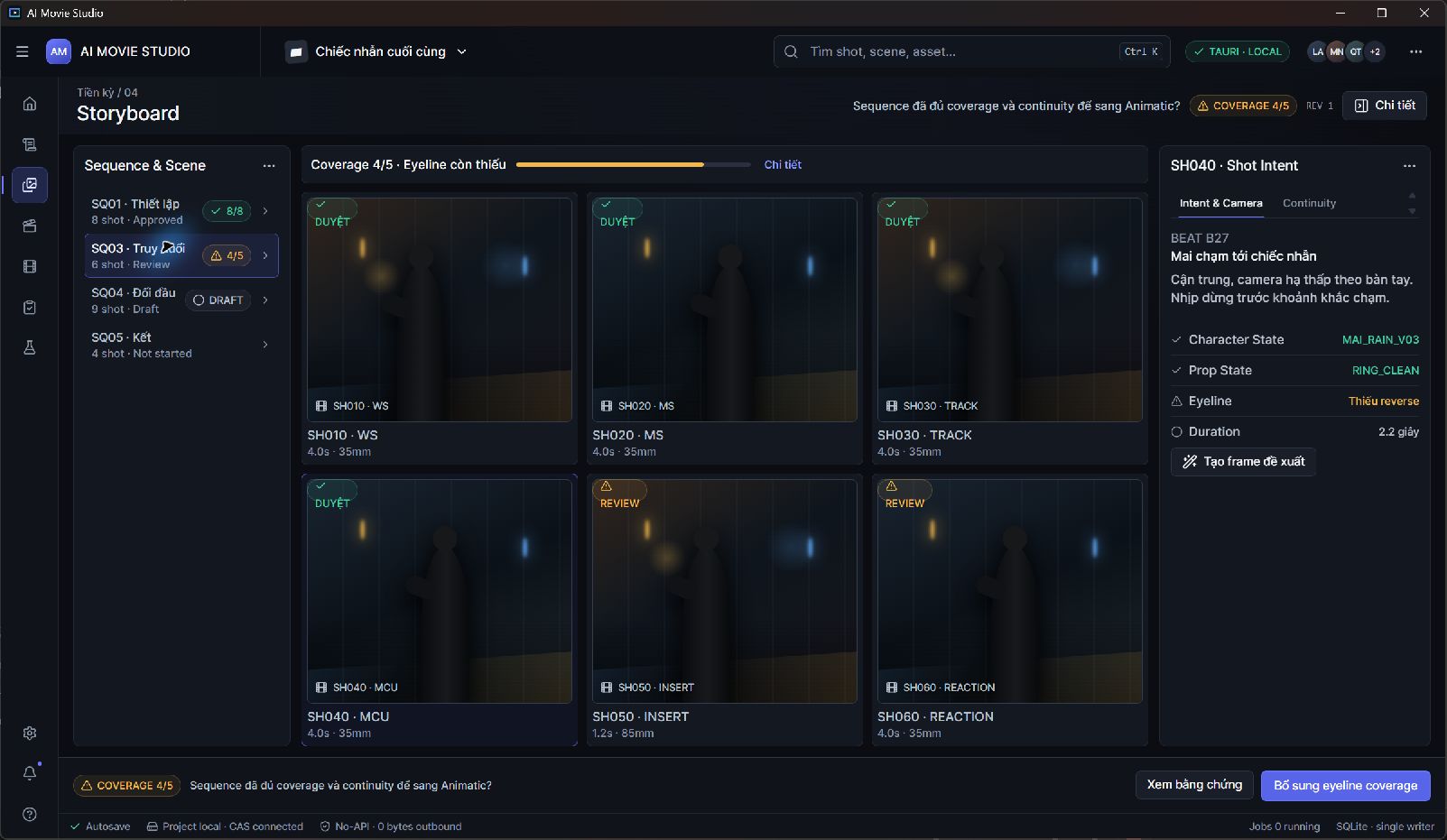
A desktop workspace for planning AI-assisted films. Develop scripts, organize characters and worlds, review storyboards, and manage the work behind each shot.
Explore the productThree desktop products. Three distinct workflows. Start with the part of production you want to improve.
APPLICATION SCREENSHOTA desktop workspace for planning AI-assisted films. Develop scripts, organize characters and worlds, review storyboards, and manage the work behind each shot.
Explore the product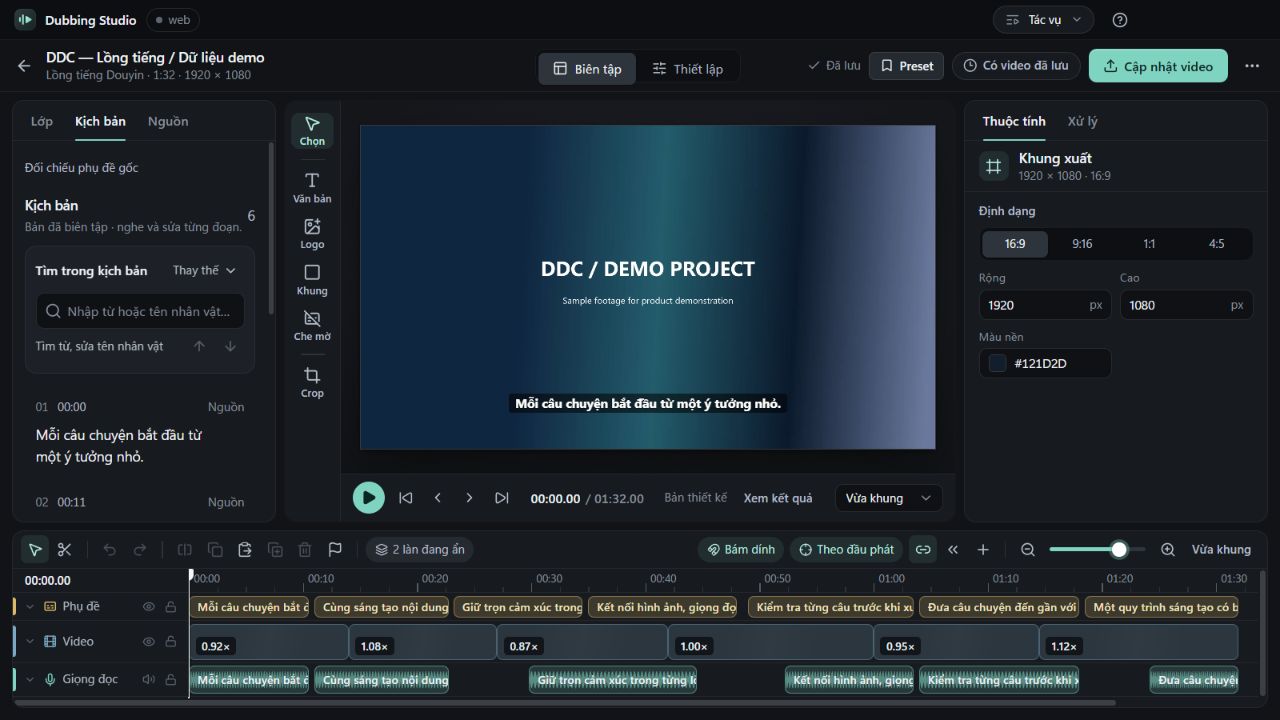 APPLICATION SCREENSHOT
A desktop production studio for narration and dubbing workflows. Prepare the script, work with voice providers, edit the video composition and review the output in one project.
Explore the product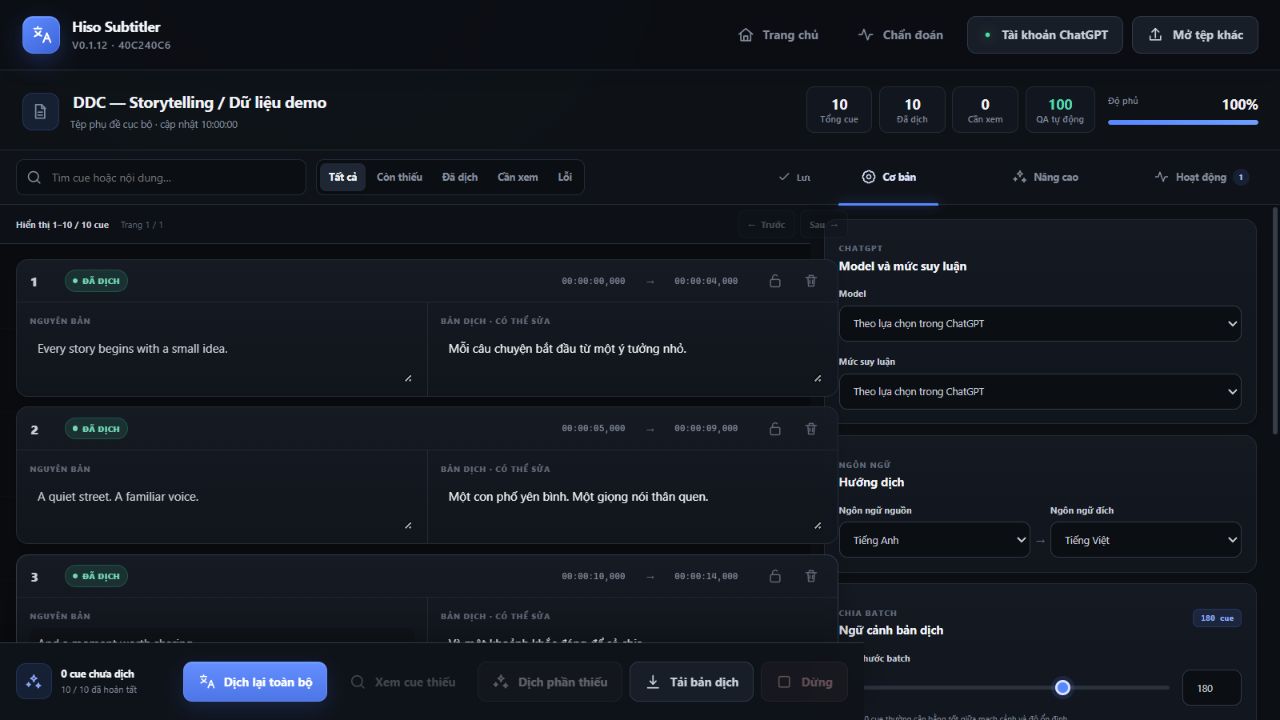 APPLICATION SCREENSHOT
A desktop workspace for SRT translation and cue-level review. Supply story context, character guidance and terminology, then work through the translated subtitles before export.
Explore the product| Product | Best fit | Typical input | What you work toward |
|---|---|---|---|
| AI Movie Studio | Filmmakers, directors and small production teams developing scripted video. | Scripts, source footage and character, world or voice references. | Reviewed story packages, scene and shot plans, production briefs and assembled video. |
| Dubbing Studio | Video editors, narration teams, documentary creators and short-form content teams. | Video, an existing script or source material for script preparation. | Edited narration, subtitle and composition work, and rendered video. |
| Hiso Subtitler | Subtitle editors, localization teams and creators preparing video for another language. | SRT subtitle files, source and target language, optional context and terminology. | Reviewed translated SRT files and saved project checkpoints. |
Separate desktop applications, not a single automated pipeline. Demo access and setup are arranged with DDC Media.
Tell us about your workflow. We’ll discuss the relevant product, demo access and setup.